
All your shells
PowerShell, cmd, Git Bash and WSL on Windows; zsh, bash and fish elsewhere. Detected at startup, each in its own profile.
Your shells, your SSH servers, their files over SFTP and your serial ports, in tabs and split panes. Profiles, an encrypted vault and suggestions from your history. For Windows, macOS and Linux.
Windows · macOS · Linux
PowerShell, cmd, Git Bash and WSL on Windows; zsh, bash and fish elsewhere. Detected at startup, each in its own profile.
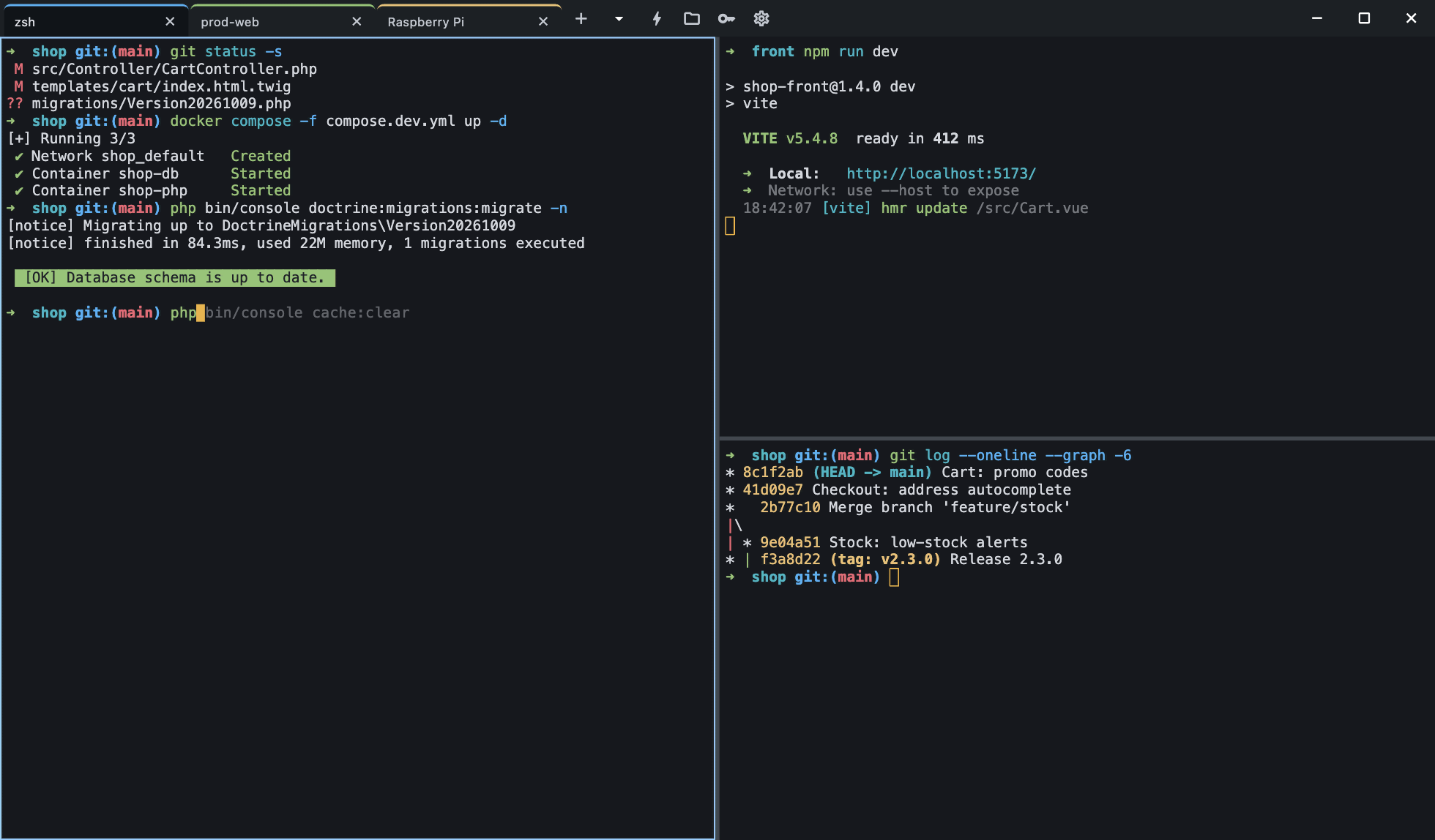
Split right or down, resize from the keyboard, rename and reorder tabs. Your layout is restored at startup.
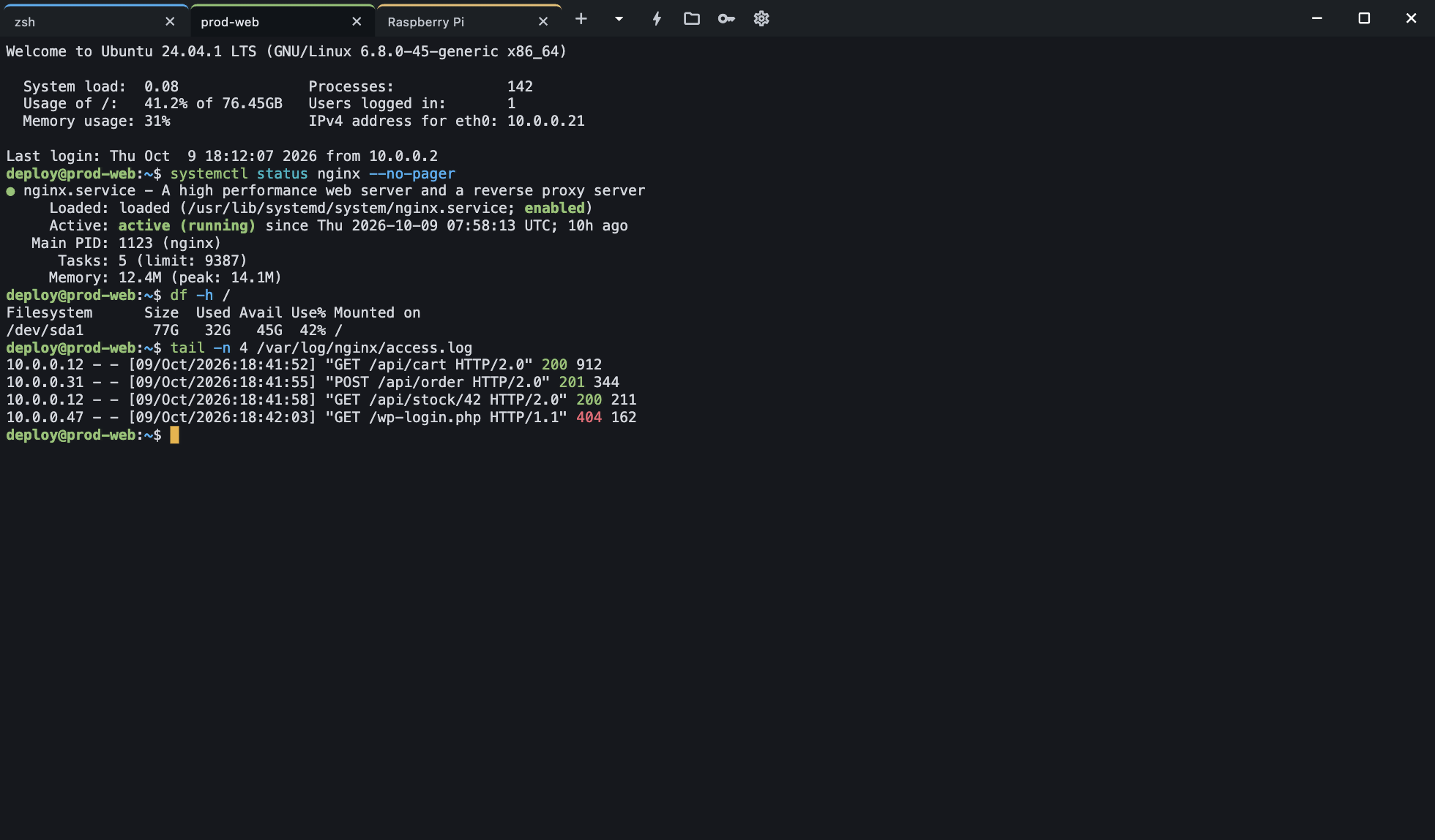
Password or key (ed25519, ECDSA, RSA), jump hosts, ~/.ssh/config import, quick connect with user@host. An unknown host key is never accepted silently.
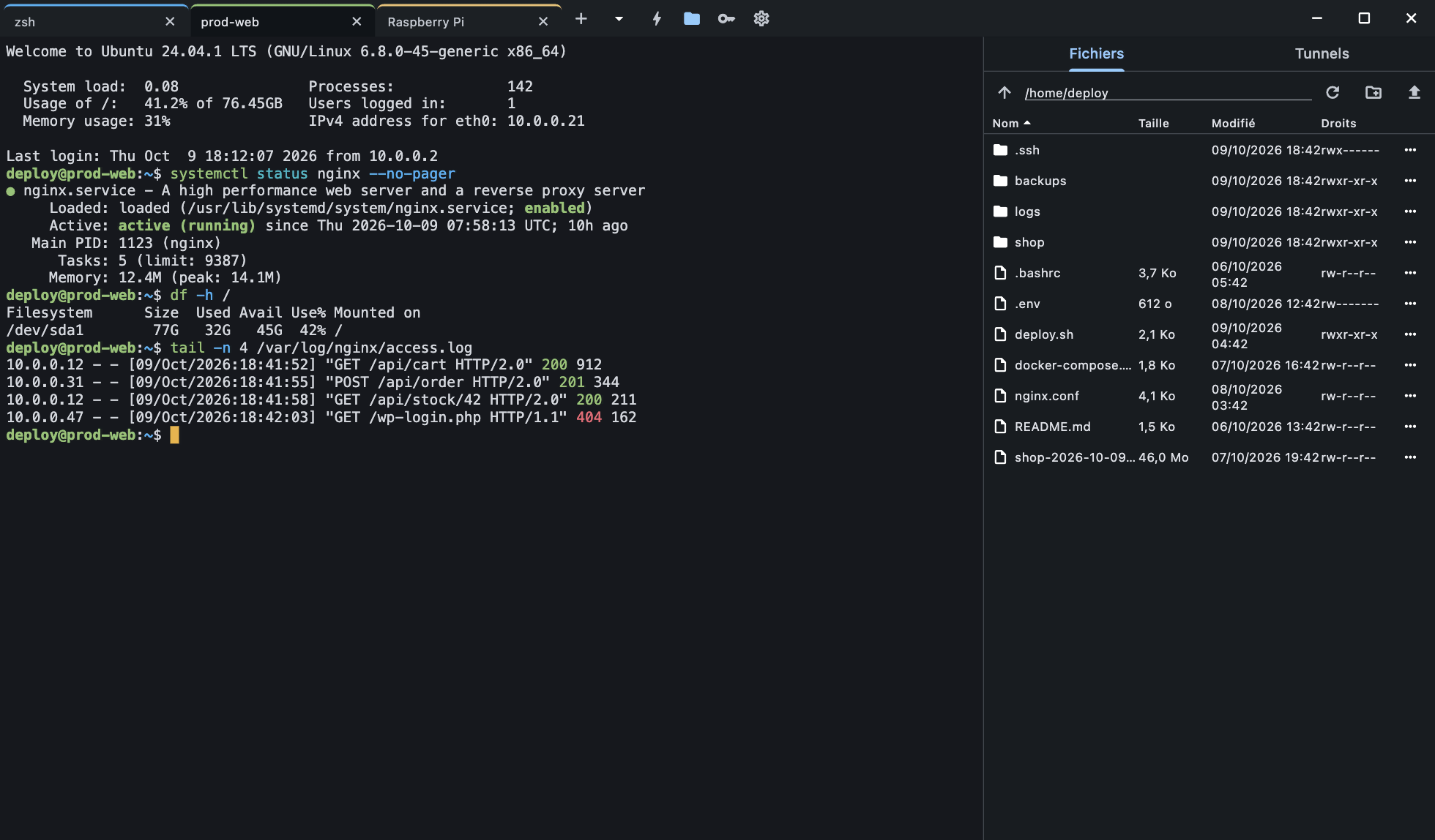
The server's file panel next to the terminal: drag and drop, transfers with progress, local and remote port forwarding.
Baud rate, data bits, parity, flow control, line endings and local echo. Unplugging the cable does not crash the app.
Passwords and keys protected by a master password (Argon2id, AES-GCM), with auto-lock. Nothing is ever written in plain text.
Type “php”: Termlo suggests “bin/console” from your history, press → to accept. Your command is highlighted: program, options, strings.
Ctrl+Shift+P to do everything: open a profile, connect, split. Customizable shortcuts and search in the terminal.
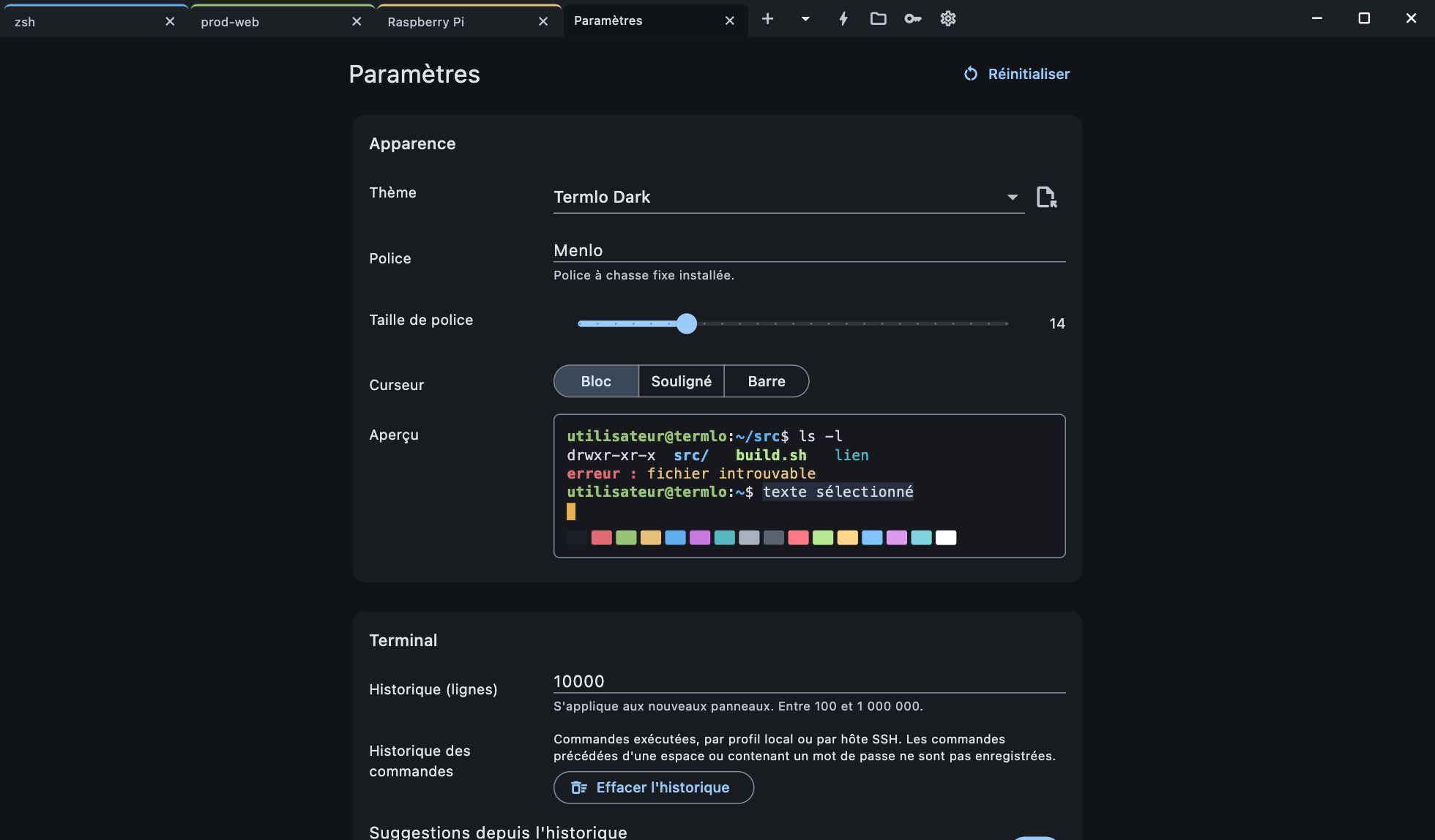
Dracula, Nord, Tokyo Night, Catppuccin, Gruvbox… plus Windows Terminal theme import. A global hotkey drops Termlo down from the top of the screen.
| Feature | Termlo | Tabby | Windows Terminal | iTerm2 | WindTerm |
|---|---|---|---|---|---|
| Windows, macOS and Linux | Yes | Yes | No | No | Yes |
| Built-in SSH client | Yes | Yes | No | No | Yes |
| SFTP panel | Yes | Yes | No | No | Yes |
| Serial port | Yes | Yes | No | No | Yes |
| Native app (no Electron) | Yes | No | Yes | Yes | Yes |
Based on each terminal's public documentation. Spotted a mistake? Let us know. GitHub